

Open-World Driving Simulator
CPM 2 Wiki
Explore a vast driving sandbox, tune detailed cars and complete parking challenges. Race, drift, trade vehicles and join friends across PC and mobile.
- PC Early Access Oct 8, 2026
- Android Updated Sep 22, 2026
- 82 Parking Challenges
- 160 Cars with Interiors on Mobile
- 10M+ Android Downloads
Popular Pages
Trending Now
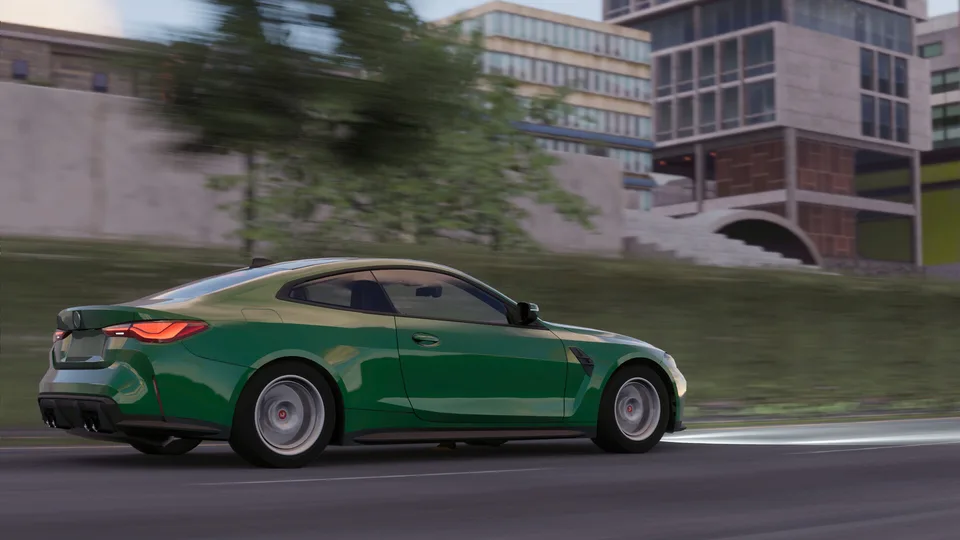
CPM 2 vs CPM 1
Explore the primary differences between CPM 1 and CPM 2. Learn how these versions compare in terms of graphics, audio, and gameplay features.
Read more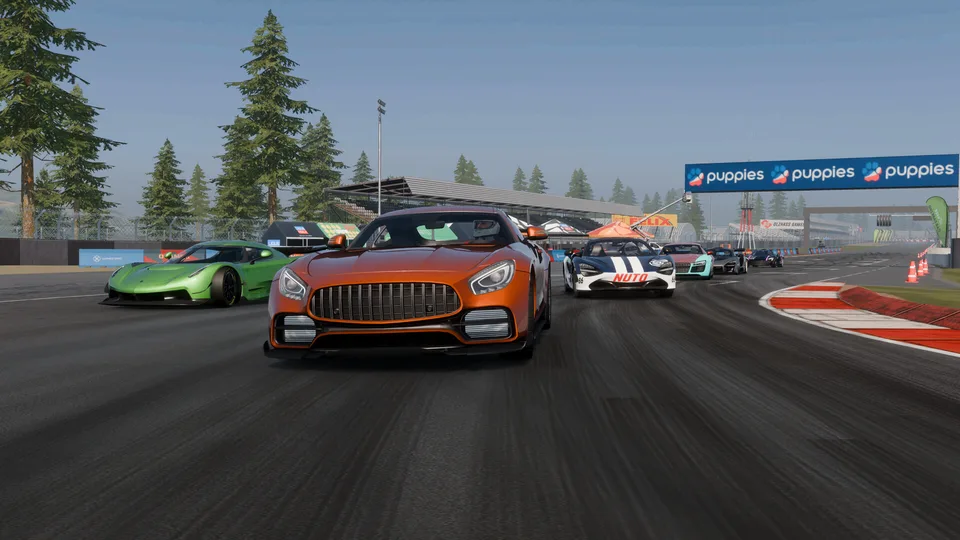
How to Get Coins
Learn the fastest methods to earn coins and cash in CPM 2, including the best racing strategies, daily task optimizations, and car build tips.
Read more
Make Money Fast
Master the fastest ways to earn cash and coins in CPM 2. Learn efficient racing techniques, daily task optimization, and car build tips to maximize your income.
Read more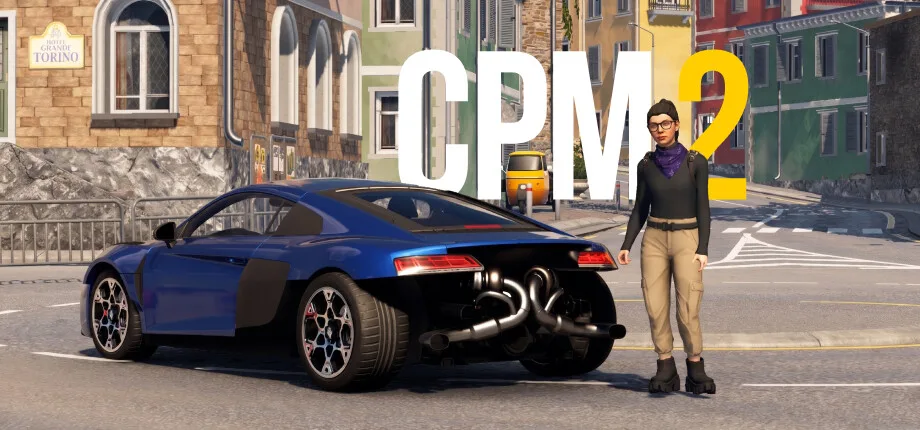
Get 5000 Coins Fast
Learn the most effective methods to earn coins in CPM 2. Discover optimal racing tracks, daily task management, and budget-friendly strategies to boost your income.
Read more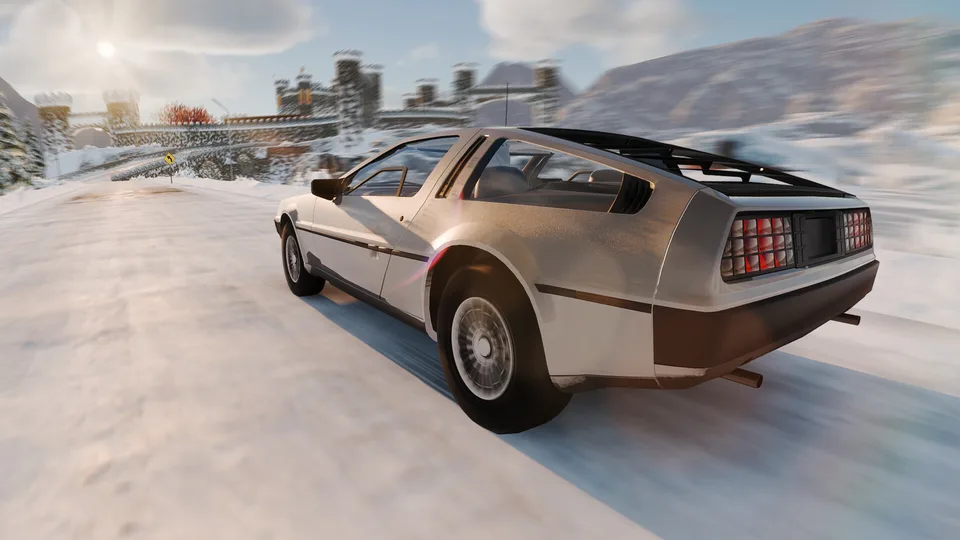
Speed Banners Guide
Master the speed banner challenges in CPM 2 with our expert guide. Learn efficient routes and proven tricks to complete your daily tasks fast.
Read more
New Account Money Method
Learn effective strategies for new players in CPM 2 to build wealth quickly. Discover how to leverage daily tasks, drag racing, and car flipping to earn millions.
Read more
What is CPM 2?
CPM 2, also known as Car Parking Multiplayer 2, is an open-world driving and car-life simulator developed by OGames. It blends parking challenges, competitive racing, drifting and social car meets.
Players can customize cars, trade vehicles and take on taxi or police roles in the open world. The Steam Early Access version adds PC-focused controls and supports cross-platform multiplayer and progression with mobile devices.
Browse guides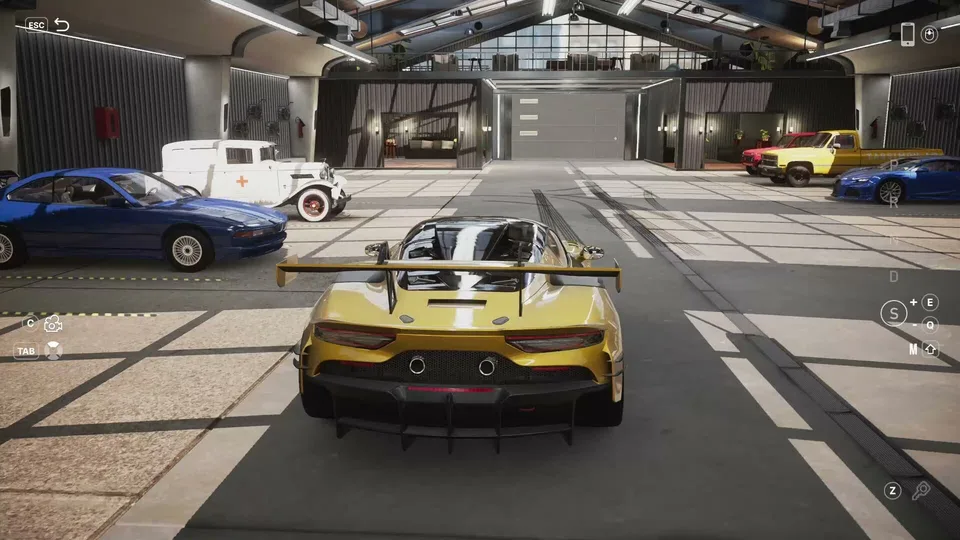
- Developer
- OGames
- Platforms
- Windows PC, Android, iOS
- Genre
- Open-World Driving Simulation
- Android Downloads
- 10M+
- Cars with Interiors on Mobile
- 160
- Parking Challenges
- 82
- PC Early Access Launch
- Oct 8, 2026
- Platforms
- Windows PC, Android, iOS
- Genres
- Open-World Driving Simulation
- Modes
- Single player, Multiplayer
- Release date
- 2026-10-08
- Developer
- OGames
Latest Updates
Start Here
- 1
Beginner Guide
Learn the driving controls, core game modes and first steps in CPM 2 before heading into the open world.
- 2
Parking Challenges
Get started with the 82 parking and driving challenges, understand vehicle handling and practice precise maneuvers.
- 3
Car Tuning Basics
Learn how suspension, camber, engines, gearboxes and visual customization change your build.
- 4
Multiplayer & Car Trading
Discover cross-platform play, car meets, player trading and ways to enjoy the shared world with friends.
CPM 2 Wiki Hub
Eight researched CPM 2 topics: vehicles, first steps, money, tuning, multiplayer, racing, parking challenges and PC setup.
Explore the wiki
Guides
Practical CPM 2 guides for earning cash and coins, finding gift boxes and treasure, completing daily speed banners, and comparing CPM 2 with CPM 1, CarX Street and Drive Zone.
Cars
Every CPM 2 vehicle guide in one place: the car list and specs, how car values and player trading work, and build breakdowns for popular models such as the BMW M4, Toyota Supra MK4 and Golf GTI.
Tuning
CPM 2 tuning guides for suspension, tires and gear ratios, engine swaps and 4WD modes, plus drift builds, drag setups and vinyl livery design.
Platforms
Where CPM 2 is officially available: the Steam Early Access PC version, the Android and iOS releases, download and system requirement details, and how crossplay works.
Updates
What has changed in CPM 2 since the Steam Early Access launch, including night mode and rain, hidden update features, new cars, and the status of the next update.
Events
Guides to the CPM 2 multiplayer events: drag racing classes and coin payouts, drifting competition scoring, and how to host or join open-world car meets.
Community
How to find and verify CPM 2 Discord servers, trade cars with other players on Reddit and in game, and reach real support for the Steam version.
Codes
The current status of CPM 2 redeem codes, why unofficial unlimited-money code videos are unreliable, and which in-game reward systems actually pay out.
CPM 2 Cars List
Explore the vehicle collection in CPM 2, from sports cars and classics to pickups and heavy trucks. Discover the different vehicle categories, detailed interiors, and customization options before choosing your next car.
Sports Cars
Performance-oriented vehicles with detailed interiors, tuning options, and access to racing activities.
Classic Cars
Classic vehicles included among the supported classes in the game's parking and driving challenges.
Pickups
Pickup trucks are part of the vehicle lineup and can be used in parking and driving challenges.
Tow Trucks
Specialized tow trucks are among the vehicle classes featured in the game's driving challenges.
Heavy Trucks
Large trucks offer a different driving experience and appear in the game's vehicle challenge lineup.
CPM 2 Beginner Guide
Get started in CPM 2 with a practical introduction to driving, parking, multiplayer, and vehicle customization. Learn which activities to explore first and how the game's main systems fit together.
Start in single-player
Start in single-player mode to familiarize yourself with vehicle handling and the available driving controls.
Practice the 82 challenges
Practice using the game's 82 parking and driving challenges, which cover multiple vehicle classes.
Explore the open world
Explore the open world and discover gas stations, automotive service locations, and driving areas.
Customize your first car
Experiment with car customization, including suspension adjustments, engine tuning, and visual modifications.
Try the four racing modes
Explore Drag, Circuit, Drift, and Rally racing modes to experience different driving disciplines.
Join multiplayer and trade cars
Join multiplayer sessions to meet other drivers, add friends, participate in car meets, and trade vehicles.
CPM 2 Money Making Guide
Explore legitimate money-making activities and the in-game economy in CPM 2. Learn about taxi jobs, police fines, racing rewards, and player-to-player car trading without relying on cheats or unverified currency glitches.
Taxi Mode
Work as a taxi driver in the open world, one of the officially supported vehicle-based activities.
Police Mode
Patrol the open world as a police officer and issue fines to other players through the supported police gameplay.
Racing Rewards
Explore racing activities and the Racing Mode daily rewards introduced in the mobile version 1.2.2 update.
Car Trading
Exchange vehicles directly with other players using the game's multiplayer car-trading feature.
Cash and Coins
CPM 2 has in-game money and coins, with optional purchases available through the official mobile stores.
CPM 2 Tuning Guide
Learn how CPM 2 vehicle tuning works, including engine swaps, gearbox changes, suspension setup, and visual customization. Explore the actual modification systems available in the game and understand which components can be adjusted.
Pick a car to customize
Choose a vehicle to customize and explore its available mechanical and visual modification options.
Set suspension and camber
Adjust the suspension and wheel camber to experiment with the car's stance and handling setup.
Upgrade the powertrain
Explore engine swaps and turbocharger upgrades to modify the vehicle's powertrain.
Configure the gearbox
Configure or replace gearbox components and explore the available manual transmission and clutch mechanics.
Tune the exhaust and check the dyno
Customize the exhaust system and use the game's Dyno Run feature to examine vehicle performance.
Finish with vinyls and body parts
Finish the build with dynamic vinyls, liveries, body parts, and available interior customization options.
CPM 2 Multiplayer and Crossplay Guide
Discover how CPM 2 connects PC and mobile players through cross-platform multiplayer and shared progression. Explore account linking, online car meets, voice chat, friend lists, and vehicle trading across the supported ecosystem.
Choose your platform
Access CPM 2 through the official Steam PC release or the supported Android and iOS mobile versions.
Link your game account
Use the game's supported account-linking functionality to connect Steam with an existing game account where applicable.
Turn on cross-platform progress
Take advantage of the officially supported cross-platform progression saving between PC and mobile.
Join a multiplayer session
Enter multiplayer to interact with other drivers across PC and mobile platforms through the shared online ecosystem.
Add friends and use voice chat
Use the built-in friend list and voice chat features to communicate and organize car meets.
Race and trade with other players
Explore multiplayer racing and the supported vehicle-trading feature to exchange cars with other players.
CPM 2 Racing Modes Guide
Explore the official racing disciplines and free-driving competitions available in CPM 2. Compare Drag, Circuit, Drift, Rally, and Time Attack activities, including the options for practicing alone or competing with other players.
Drag Racing
One of the four official racing disciplines, focused on straight-line acceleration and drag competition.
Circuit Racing
An official racing discipline built around competing on circuit tracks.
Drift Racing
An official racing discipline centered on controlled drifting, with dedicated drift tracks also available.
Rally Racing
A supported racing discipline with rally-specific weather conditions, leaderboards, and ghost-chasing features documented in mobile updates.
Time Attack
Dedicated Time Attack tracks support driving practice in single-player and competition with friends in multiplayer.
CPM 2 Parking Challenges Guide
Explore the 82 parking and driving challenges featured in CPM 2 and the different vehicle classes used throughout them. Learn how to approach parking practice with sports cars, classic cars, pickups, tow trucks, and heavy trucks.
82 Challenges
The game officially features 82 real-world-inspired parking and driving challenges.
Sports and Classics
Sports cars and classic vehicles are among the supported classes used in the parking and driving challenges.
Pickup Trucks
Pickup trucks introduce a different vehicle class for the game's driving and parking activities.
Tow Trucks
Tow trucks are explicitly included among the vehicle classes available for parking and driving challenges.
Heavy Trucks
Heavy trucks are another officially supported class, offering a larger vehicle type for driving practice.
CPM 2 PC Controls and System Requirements
Learn about the Steam version of CPM 2, released into Early Access on October 8, 2026. Review the supported PC control methods, steering wheel functionality, minimum specifications, and recommended hardware before playing.
Keyboard and Mouse
The PC release includes reworked keyboard and mouse controls, including mouse steering support.
Gamepad Support
The Steam version officially supports gamepads, including Xbox and PlayStation controllers.
Racing Wheels
The developer advertises racing wheel support with Force Feedback, although compatibility with individual wheel models may vary.
Minimum PC Specs
Windows 10 64-bit, Intel Core i3-10100 or Ryzen 3 3100, 8 GB RAM, compatible entry-level graphics, and 7 GB available storage.
Recommended PC Specs
Windows 10 or 11 64-bit, Intel Core i5-13400F or Ryzen 5 7500F, 16 GB RAM, NVIDIA GTX 1650 or RTX 3050 or better, and 7 GB available storage.
Steam Features
The PC release is free to play and includes Steam achievements, online multiplayer, cross-platform support, and account linking.
CPM 2 FAQ
Common questions about CPM 2, answered for new drivers, car tuners and multiplayer racers on PC and mobile.
Is CPM 2 free to play?
Yes. CPM 2 is free to play on Steam, Google Play and the Apple App Store, with optional in-game purchases. OGames says the PC game will remain free after Early Access.
When was CPM 2 released on Steam?
CPM 2 launched on Steam for Windows on October 8, 2026, in Early Access. This is the PC launch date, not the original mobile release date.
Which platforms can I play CPM 2 on?
Verified versions of CPM 2 are available on Windows through Steam, Android through Google Play, and iPhone or iPad through the Apple App Store. No official Roblox or console edition has been verified.
Does CPM 2 support crossplay and cross-platform progression?
Yes. The Steam developer description confirms multiplayer crossplay with mobile devices and cross-platform progression saving. Steam account linking is supported through the game's third-party account system.
What can I do in CPM 2 besides parking?
You can race, drift, explore the open world, organize car meets, trade cars with other players, and try taxi or police activities. The Steam feature list includes Drag, Circuit, Drift and Rally racing.
How many parking challenges are in CPM 2?
The official Steam and Google Play descriptions list 82 parking and driving challenges across different vehicle classes.
Can I tune and trade cars in CPM 2?
Yes. The game supports engine, turbocharger, gearbox, exhaust, suspension and visual modifications, and players can exchange vehicles in multiplayer. Available parts and prices can change with updates.
Does CPM 2 support controllers and steering wheels on PC?
The Steam version lists keyboard and mouse, gamepad, and racing-wheel controls with force feedback. Support for an individual wheel or pedal model should be checked separately.
What are the minimum PC requirements for CPM 2?
Steam lists Windows 10 64-bit, an Intel Core i3-10100 or AMD Ryzen 3 3100, 8 GB RAM, DirectX 11 and 7 GB of storage as minimum requirements. A compatible GPU and broadband internet connection are also required.
Are there active redeem codes for CPM 2?
As of October 11, 2026, no active CPM 2 reward codes were verified from the official Steam and mobile store information reviewed. Do not confuse color settings or car customization values with redeemable reward codes.
Ready to Master CPM 2?
From your first parking lesson to advanced builds, racing and car meets, find practical CPM 2 guides for every stage of your driving journey.